
Ready for SPAR Loyalty? Let’s Check Your Hardware!
Take a few minutes to check what equipment you have and make sure you’re all set for the incoming SPAR loyalty upgrade.
With the new loyalty system, customers can now store their loyalty card on their phone. This means you’ll need the ability to scan barcodes directly from a mobile screen. Ensuring this process runs smoothly will help deliver a better customer experience and faster, more seamless transactions.
Checking now that your scanner can read barcodes from mobile phones will help ensure you’re fully prepared for the new loyalty system.
For Combo Scanner/Scales:
Have a quick look at the weigh plate — you may need to lift it up to find the model number on the info sticker underneath
Search the brand and model online to confirm if it can scan mobile phones.
See the examples below to help locate the sticker:
Let's start with the scanner/scale ⚖️
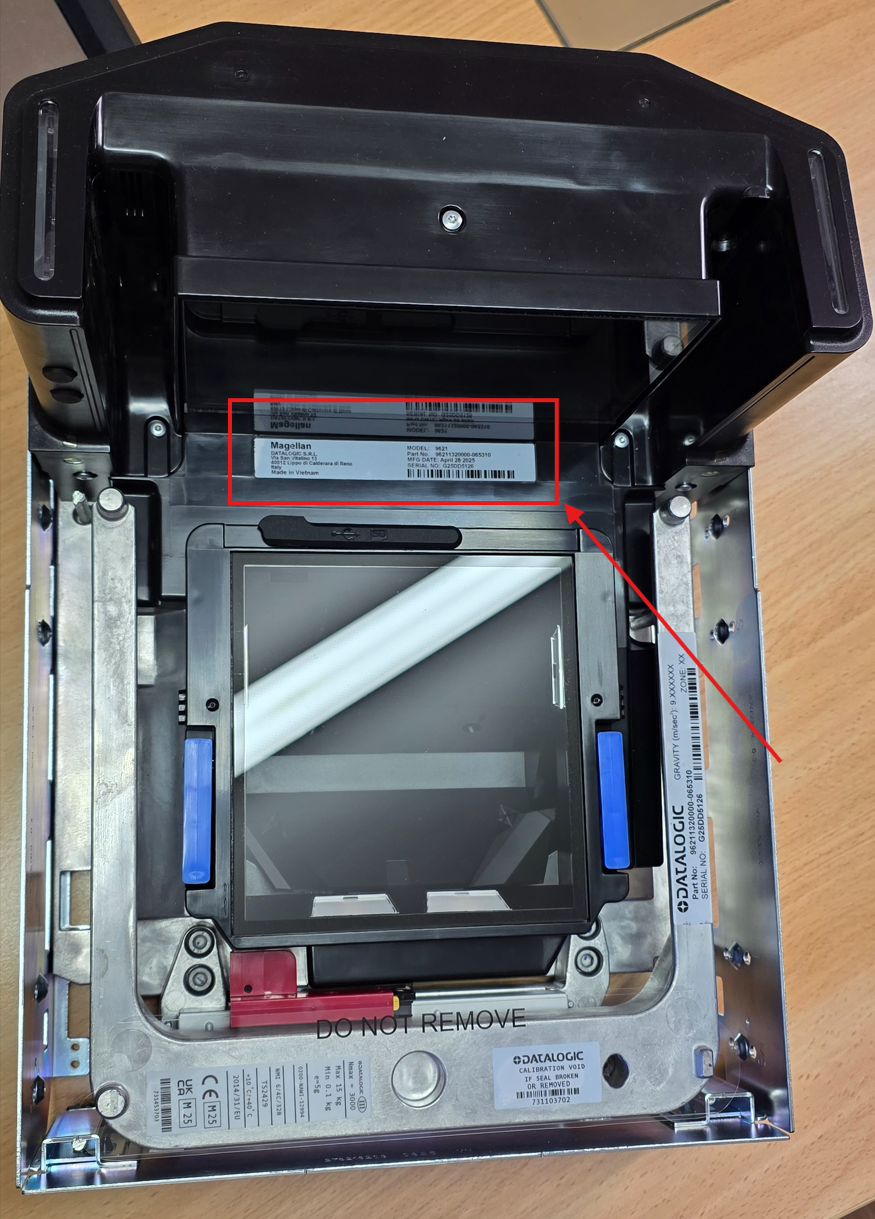
Datalogic 9600i model location
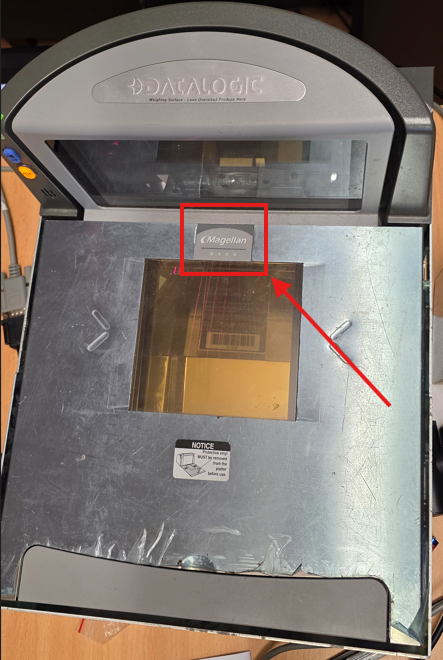
Datalogic 8400 model location
Some scanner/scale models that can scan phones are:
Datalogic 9300i
Datalogic 9400i
Datalogic 9600i
Datalogic 9800i
NCR 7878
NCR 7879
NCR 7895
If you don’t have one of these models:
For standalone scanners:
Check the device for a sticker that displays the brand and model number.
Search the brand and model online to confirm if it can scan mobile phones.
Some scanner models that can scan phones are:
Datalogic 1500i
Datalogic 3450VSI
Honeywell Orbit 7190g
Honeywell Solaris 7980g
If you don’t have one of these models:
Just as the scanner must be capable of reading barcodes from mobile phones, your register PC must also be running a supported Windows version to ensure proper communication with the loyalty system servers.
The easiest way to confirm which Windows version you’re running is to restart your register and compare the startup screen to the images below.
Now, the register PC 🖥️
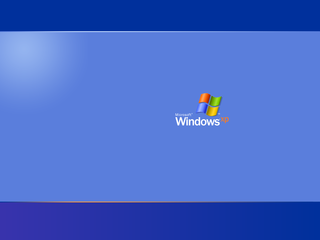
Windows XP
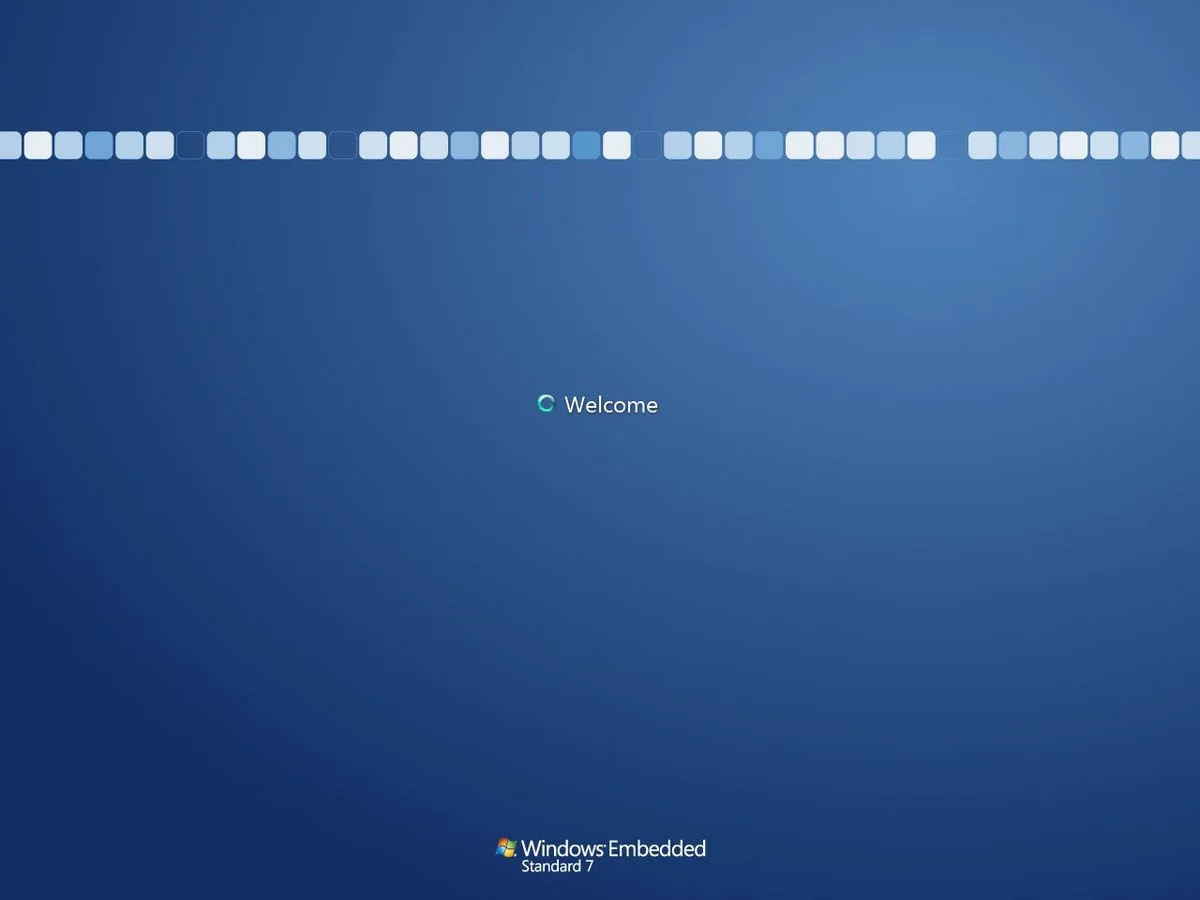
Windows Embedded
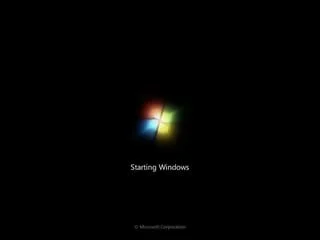
Windows 7
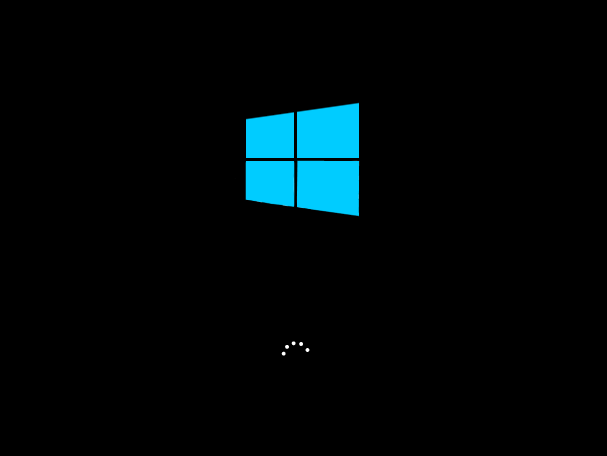
Windows 10
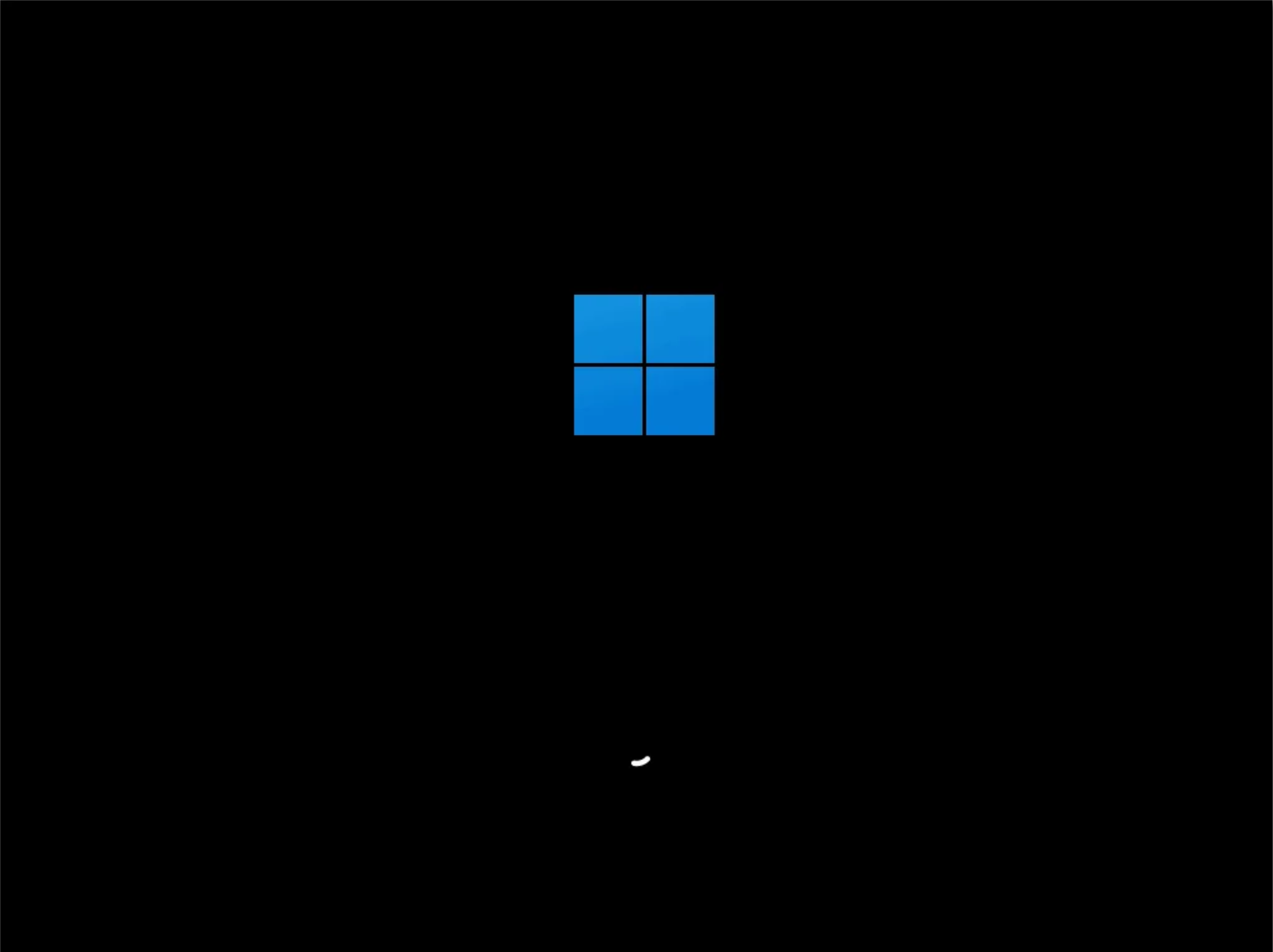
Windows 11
If your lanes are using a version of Windows that is below Windows 10: